



August 09, 2016
XENTRY Internal Error (3.17)-3.175 Customer Solution
Error message:
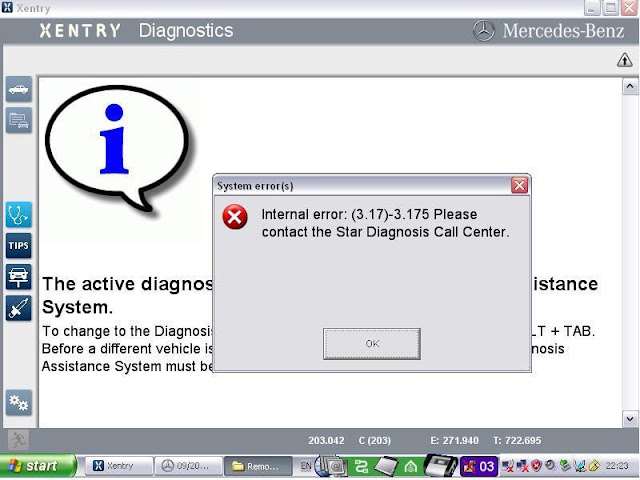
Here is a customer solution to Mercedes MB Star diagnosis
SD Connect C4 XentryInternal Error (3.17)-3.175.
Error message:
Internal Error (3.17)-3.175
Please contact the Star Diagnosis Call Center
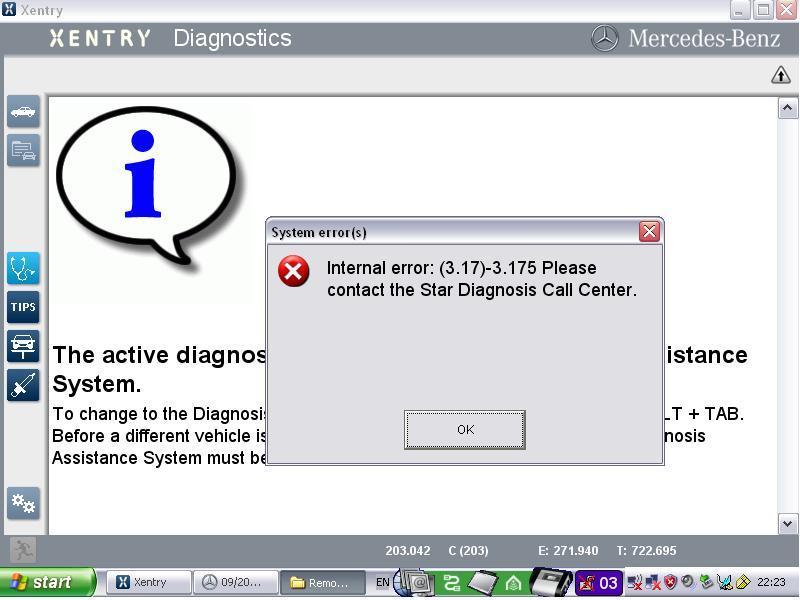
Error Analysis from customer:
this error only appears when your lic_key_2.dat file is marked read only.. but if you have to have your laptop connected to the internet (like I require for work) then when not set read only,Xentrydeletes the contents of this file requiring you to reenter your key every time you run Xentry.
this error only appears when your lic_key_2.dat file is marked read only.. but if you have to have your laptop connected to the internet (like I require for work) then when not set read only,Xentrydeletes the contents of this file requiring you to reenter your key every time you run Xentry.
Solution #1.
make sure the C:\Documents and Settings\All Users\Application Data\LicDir\lic_key_2.dat file is NOT set to read only, and completely disconnect from the internet.
Solution #2(for those of us that require internet connections for work)..
copy C:\Documents and Settings\All Users\Application Data\LicDir\lic_key_2.dat to the desktop.. rename it to lic_key_2.x4711.. copy it back into the directory. make the lic_key_2.dat file NOT read only.. make the lic_key_2.x4711 file READ ONLY... This seems to keep the nasty error from returning, but still gives the long time for Xentry to close error.
Hope this helps.
http://mbsdconnect4.blogspot.com/2016/08/mb-star-xentry-internal-error-317-3175.html
Posted by: mbbenzstar at
08:41 AM
| No Comments
| Add Comment
Post contains 178 words, total size 3 kb.
15kb generated in CPU 0.0166, elapsed 0.0312 seconds.
35 queries taking 0.0199 seconds, 88 records returned.
Powered by Minx 1.1.6c-pink.
35 queries taking 0.0199 seconds, 88 records returned.
Powered by Minx 1.1.6c-pink.

