



August 05, 2020
Question:Is it possible to updatesd connect C4without batteries, because I am damaged and batteries do not work !!!.
Answer: It can be done perfectly.
If you need to update an SD Connect and you do not have batteries or the power supply/charging circuit is damaged, you only have to edit the toolkit.ini file, modifying the following lines so that the supply and/or battery voltage is lower to the real (it would be enough to set them to zero)
Obviously make sure you havea stable and sufficient external supply.
[SoftwareUpdate]
;
;
Voltages necessary for SDconnect firmware updates. These values are
only for the pre-check of the toolkit, the values will be checked by the
update process again
;
MinUpdateVoltageVBatt=7200
MinUpdateVoltageVExt=11000
;
A reboot is required for the new settings to take effect (Probably a Tkserver restart is enough)
Credits to @ gcs190
Question: In which cases an update is urgent?
What is the last version?
Answer: It has not been updated for a long time, generally it is not necessary to update it, if at first use if it was not. Then I put the latest versions.
Good to know:
- When update the c4 firmware:
Only the best sdconnect C4 plus (supports DoIP)firmware update does not need the battery, here you can go to own one:
https://www.obdexpress.co.uk/wholesale/mb-sd-c4-doip-diagnostic-tool.html
- When testing the car.
All versions ofmb sd connect c4does not need the battery.
Tips on how to save the battery consumption:
Tip 1: Try to use mux on lan(without wireless card inserted)
Try to use mux on lan(without wireless card inserted),and you will have no more ‘check batteries’ error on display.
seems that error came from heating the wifi card and not correctly drainage from hot air.
Added to this, using mux without wifi cardsave around0.4v consumption, xentry will see around 0.4v more voltage,so safer voltage for programming,etc… I dont have wifi card installed, better work always with lan, i dont see too much work in connecting just a cable when making a work.
i think heat with wifi card is a problem beacouse card itself is heating adding to the heat that pcb’s itself produces,with no card installed less heat inside the mux andheat can go exit through the free slot of card, making a grill on the grey plastic piece will help allowing heat to go out of mux, surely extending its life.
Tip 2: remove the rechargeable batteries when not using
I did not remove the rechargeable batteries after use I noticed that some of the inserted batteries went dead after a while. This was (my personal opinion) because of the continuous battery drainage that pulled the voltage so low the batteries eventually got broken.
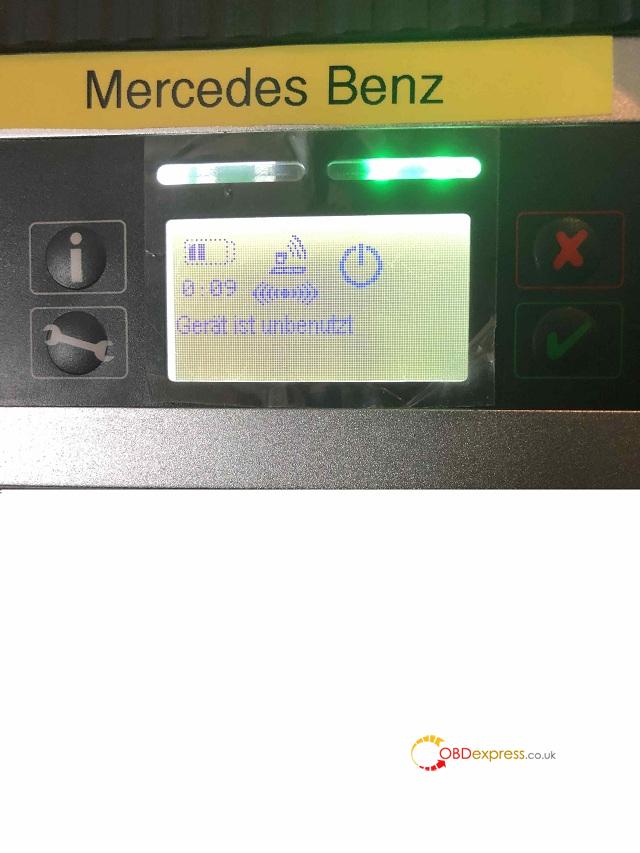
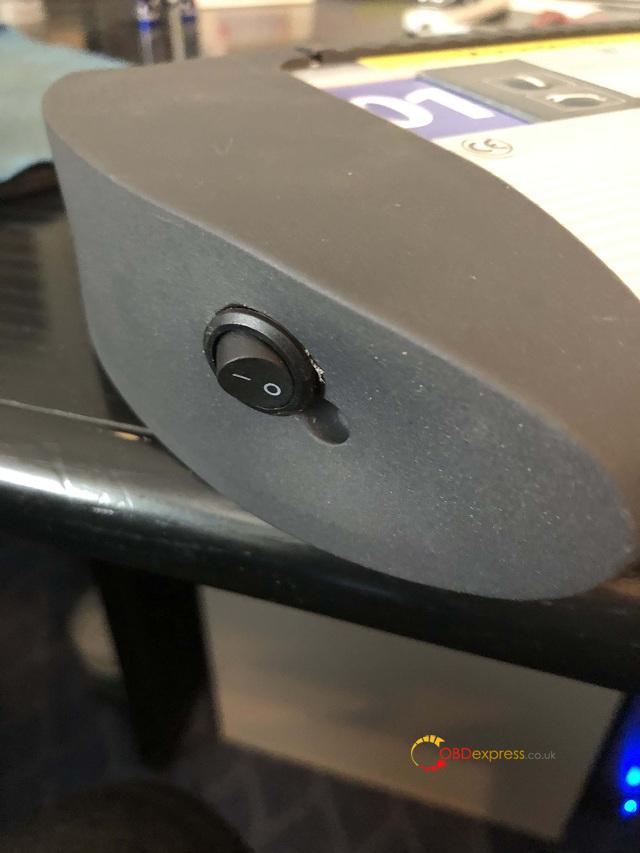
Tip 3: always had with empty batteries often
I always had with empty batteries oftenbecause
the device was in standby mode and in the course of time were empty, I
have considered a solution and indeed an on and off switch after the
device goes down in standby mode, I turn it off thus it can not consume
power and keep the batteries.
Tip 4: connecting the mux to a power source
When not in use connecting the mux to a power source (battery charger).This way the batteries are always getting charged but I’m not sure if this is a good idea?
Good luck!
http://blog.obdexpress.co.uk/2020/08/04/how-to-update-sd-connect-c4-without-batteries/
Posted by: mbbenzstar at
02:57 AM
| Comments (4)
| Add Comment
Post contains 562 words, total size 18 kb.
Posted by: jhon alex at July 09, 2021 10:13 AM (qIK2L)
Posted by: alexnoah1 at October 23, 2024 06:01 AM (hNJIj)
northern virginia personal injury attorney
Posted by: kevincarol at March 10, 2025 05:25 AM (h98dF)
Posted by: AlinaGreek at March 12, 2025 01:33 PM (rUqsl)
37 queries taking 0.031 seconds, 93 records returned.
Powered by Minx 1.1.6c-pink.

