



December 11, 2017
Topic
Tool option:SDconnect C4etc.
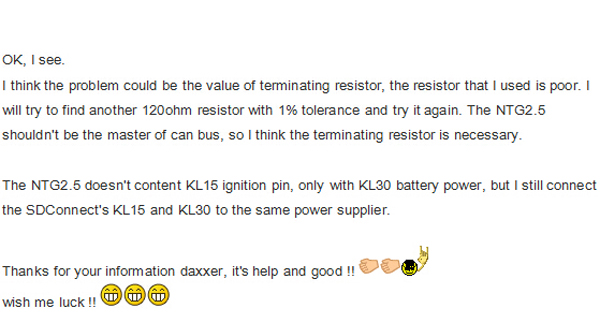
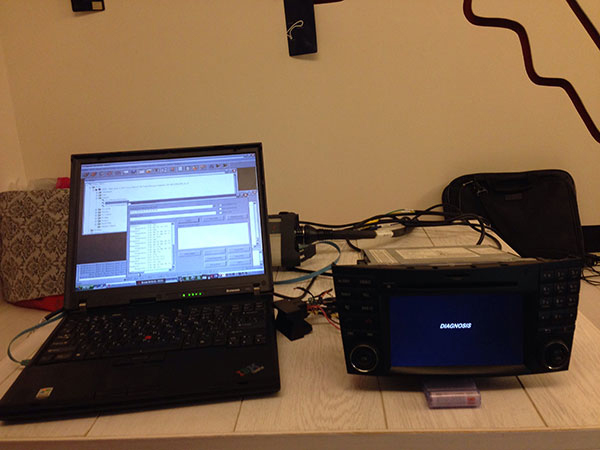
What you need to do is connect NTG2.5 with your SDConnect C4, you need to connect KL30/KL31/CAN-H/CAN-L, you don’t need to connect the ignition pin because NTG2.5 doesn’t have KL15.
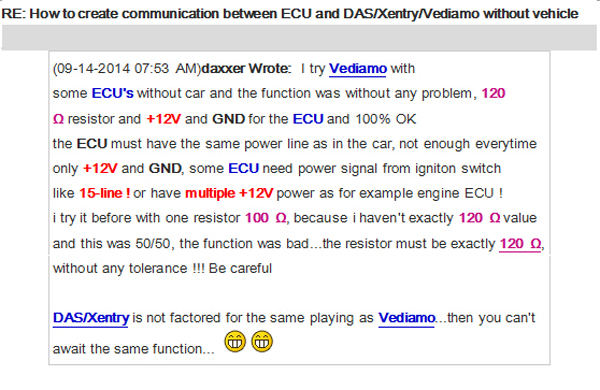
And, you need to attach a 120ohm resistor as a terminal between CAN-H and CAN-L, it’s a request
Then, if your
If you want to
Manually trigger
Just press "Rev. Cam.†item like below image in the system setting page, the rear view camera will active if you power the camera up.

On a side note: KL31 bridge
KL 31 just means the Negative Battery Terminal / Ground (I am
So just connect Pin 15 (A-Block of the Quadlock Connector) to 12V+ (KL. 30) and Pin 12 to the Ground/Negative Terminal of your power supply (KL.31). And now press the ON Button and pray it works (which works always for me)
Source:
Posted by: mbbenzstar at
03:20 AM
| No Comments
| Add Comment
Post contains 246 words, total size 13 kb.
35 queries taking 0.0395 seconds, 88 records returned.
Powered by Minx 1.1.6c-pink.

